Now in Public Beta

Cue

The DAW you control with your voice. Record, mix, and export — without touching your mouse.

Start Recording — Free See How It Works

No download. No account. Works in your browser.
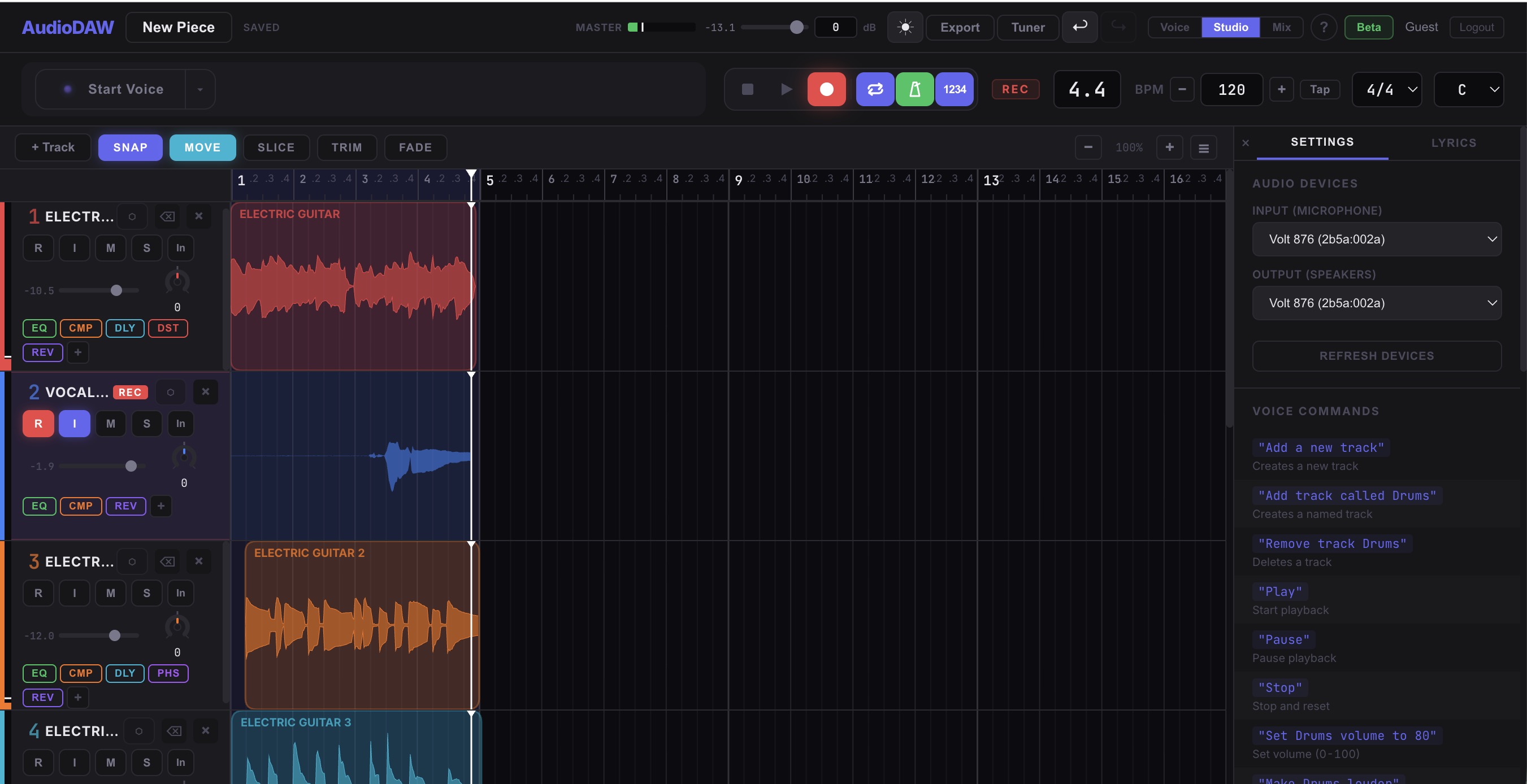
Cue studio view

Built for musicians who'd rather play than click. Free during beta.
How It Works
01
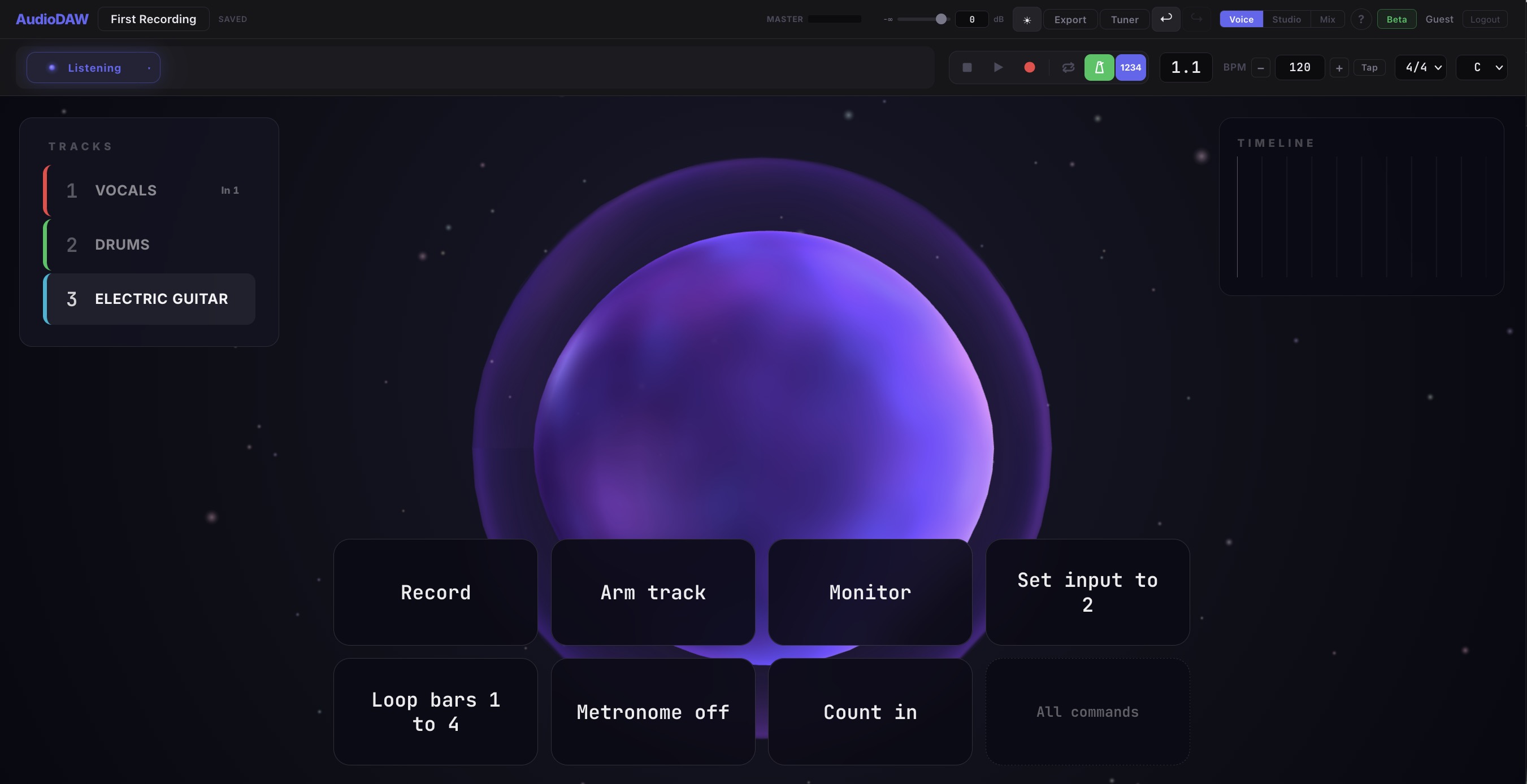
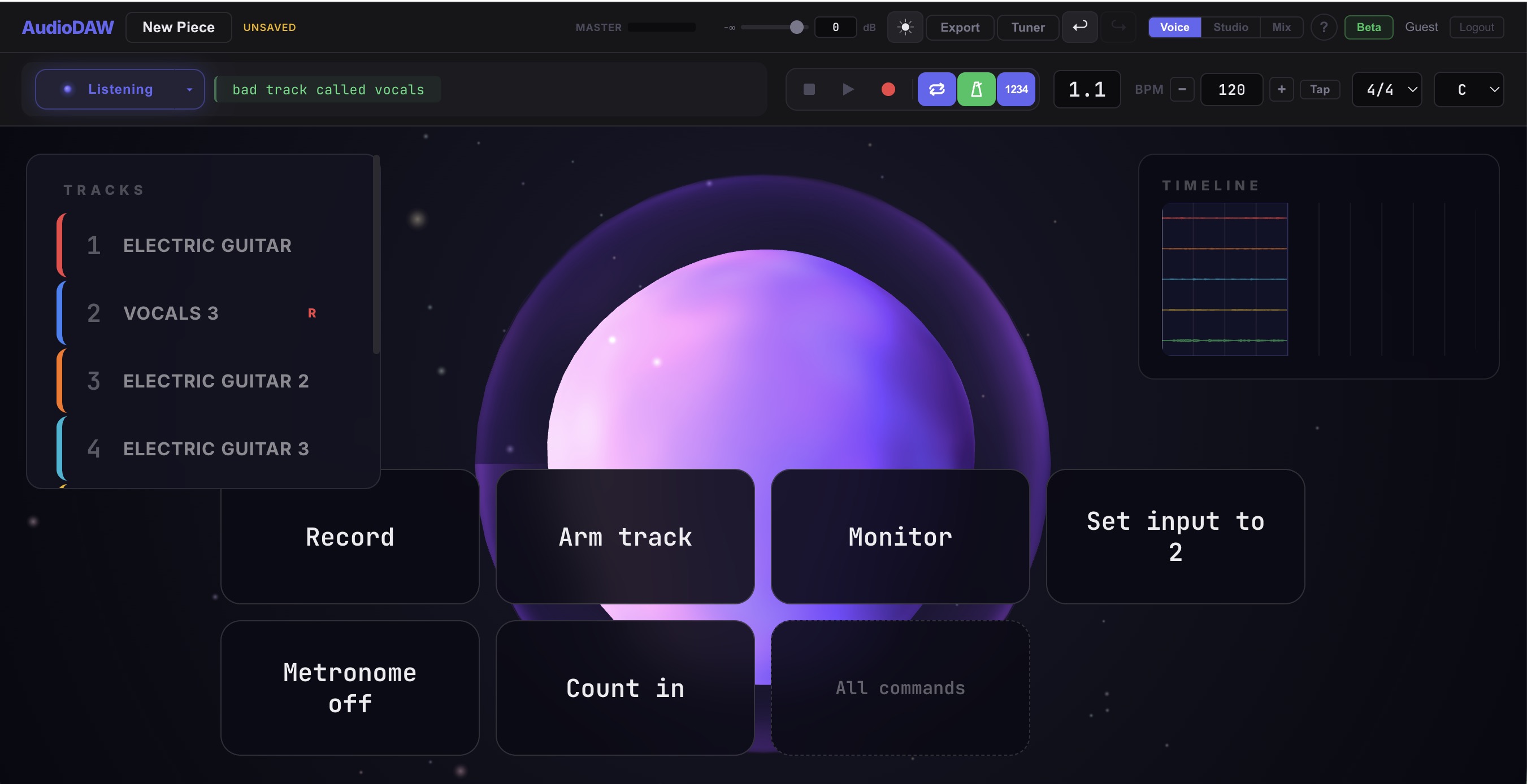
"Add track called Vocals."
Say it. A track appears. Name it anything. Add as many as you need.
Track appearing in studio view
02
"Arm Vocals. Record."
Pick up your instrument and play. The waveform draws in real time. Your hands never leave the strings.
Armed track with live waveform
03
"Add reverb. Export."
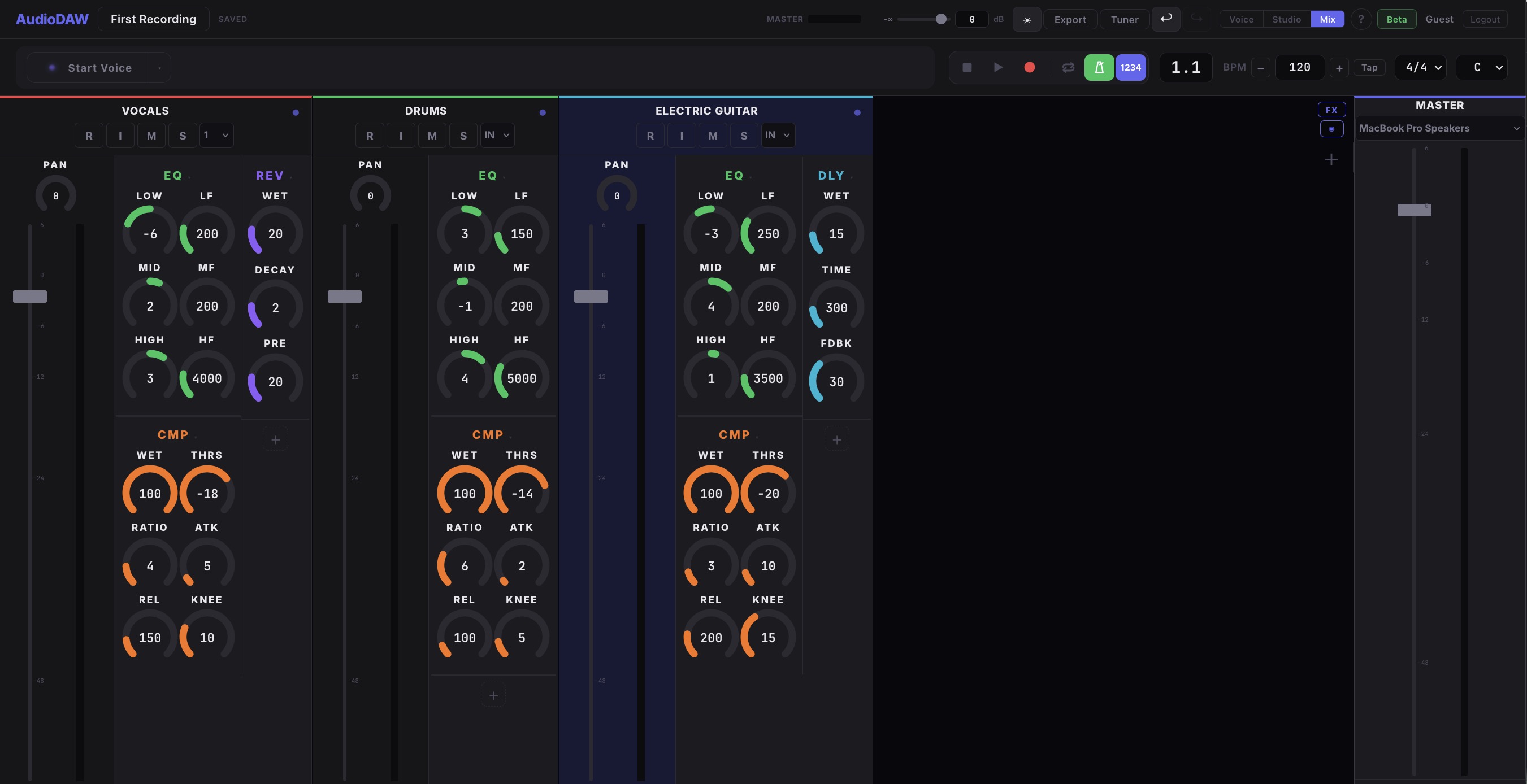
Mix by voice. Effects, volume, panning — all spoken. Export when you're done. One word: "export."
Effect added, ready to export
See It in Action
Video coming soon
Recording a song from scratch Voice commands only — no mouse
Video coming soon
Mixing and adding effects Real-time voice control demo

Hands on your instrument. Voice on the mix.

Explore All 100+ Commands
Every Other DAW vs. Cue
Stop playing to click a menu
"add reverb"
Put down your guitar to hit record
"arm Guitar. record."
Navigate menus to change tempo
"set bpm to 140"
Click, drag, right-click, scroll, repeat
"add vocal track. arm. record."
Mouse, keyboard, trackpad
Your voice. That's it.

Stay in the loop.

Get notified about new features, updates, and early access to what's next.

Ready to record with your voice?

Open Cue — Free

No download. No account. Open and play.